Find your competitors' customers
List the companies that buy from your competitors, each with the public page that shows it. A step-by-step API recipe with code you can run today.
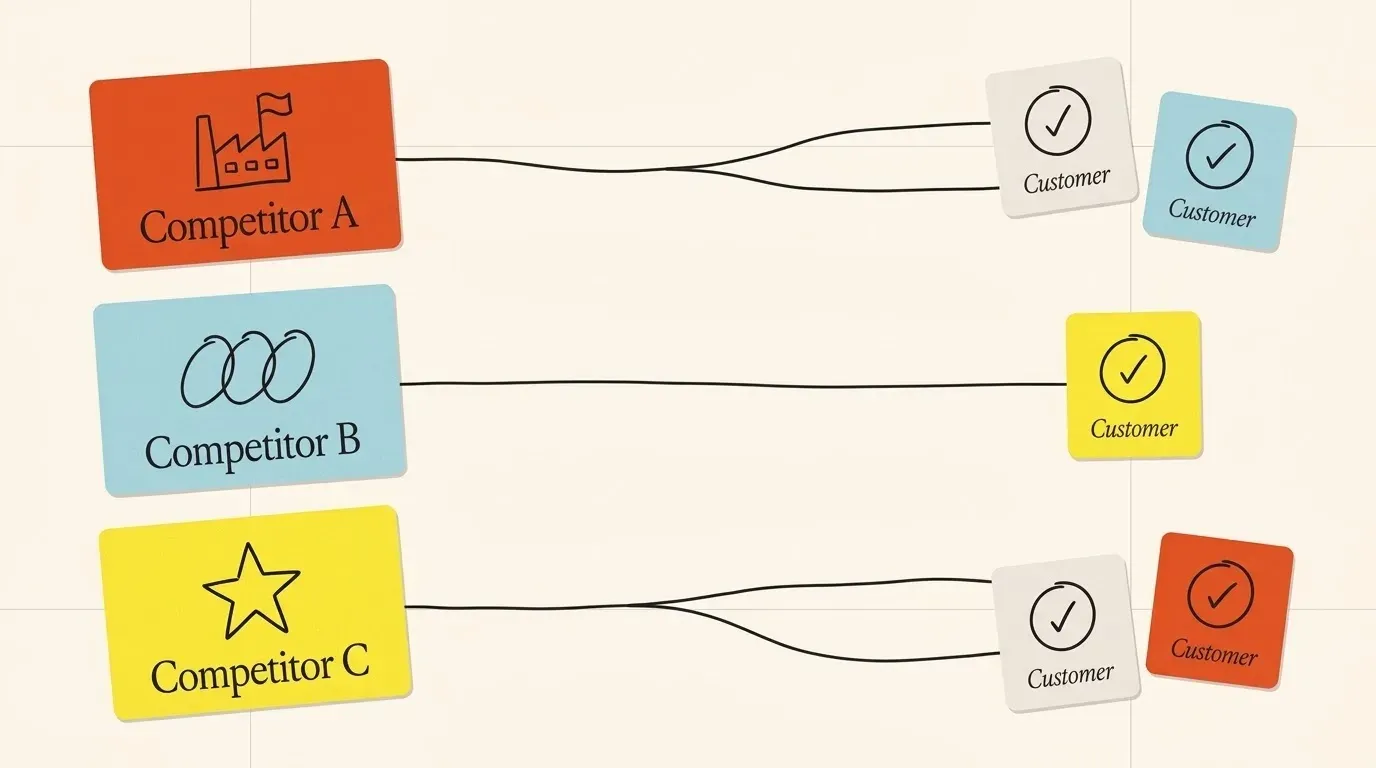
A company that already buys from a competitor knows the problem you solve. It has a budget for it, and it has a person who owns it. This makes it a strong account to contact.
The hard part is the list. A competitor’s customers are named across hundreds of public pages. This guide gets that list from the API in four calls you can run from a terminal. Each account comes with the public page that shows it, so your team can check it before they write.
What you need
- An API key. Get one free; the trial credits are enough for a first list.
curlandjqin a terminal.- Your own company domain, or a list of the competitors you already know.
Set the key once:
export INNERFETCH_API_KEY="<your API key>"
Step 1: list your competitors
Ask for the competitors of your own domain. Keep the rows with the basis evidenced: these are the companies that a public page compares with you.
you=helpscout.com

curl -sG https://api.innerfetch.com/api/v1/company/competitors \
  -d domain="$you" -d limit=10 \
  -H "X-API-Key: $INNERFETCH_API_KEY" |
  jq -r '.competitors[] | select(.basis == "evidenced") | .domain' >competitors.txt
You know your market. Open competitors.txt, remove a name you do not compete with, and add one that is missing. One domain on each line.
Step 2: get the customers of each competitor
Ask for the customers of each competitor. Each row has the customer’s name and domain, and the URL of the page that names it.
while read -r rival; do
  curl -sG https://api.innerfetch.com/api/v1/company/customers \
    -d domain="$rival" -d max_results=100 \
    -H "X-API-Key: $INNERFETCH_API_KEY" |
    jq -c --arg rival "$rival" '.customers[]? | {domain, name, rival: $rival, proof: .evidence.url}'
done <competitors.txt >rows.jsonl
You pay for each row that comes back, so max_results is also your cost limit. Start low, then get the next page with cursor when a list is good.
Step 3: merge and rank
One company can buy from two of your competitors, or it can change tools. Merge the rows by domain. Put the accounts that use more than one competitor first.
jq -s 'group_by(.domain)
  | map({domain: .[0].domain, name: .[0].name, rivals: map(.rival), proof: map(.proof)})
  | sort_by(-(.rivals | length))' rows.jsonl >targets.json
Step 4: add a profile and filter
Add industry and country to each account, then keep the ones that fit your ideal customer. The batch call takes up to 50 domains at a time.
jq -c '[.[].domain] | range(0; length; 50) as $i | {domains: .[$i:$i + 50]}' targets.json |
  while read -r body; do
    curl -s https://api.innerfetch.com/api/v1/company/batch \
      -H "Content-Type: application/json" \
      -H "X-API-Key: $INNERFETCH_API_KEY" \
      -d "$body"
  done |
  jq -c '.results[] | select(.status == "found") | .data
    | {domain, name, industry, country: .headquarters.country}' >profiles.jsonl
A company we have not seen before comes back as queued and costs nothing. Run this step again later to add it. Some fields, such as headcount, are not known for every company, so filter on the fields that are filled for your list.
Step 5: use the proof in your first message
Each account has a proof URL: the competitor’s own page about that customer. Read it before you write. It tells you which team uses the product and what they wanted from it. A first line that names that story is more useful than a general opener, and it is true.
A test run
We ran these steps for helpscout.com on 26 October 2026. Step 1 returned 10 competitors that a public page compares with Help Scout. Step 2 returned 126 different accounts from their customer pages, each with its proof URL. Your numbers will change: the competitors you keep change them, and we add companies every day.
Next steps
- Look for the same profile in your own market: give the best accounts to the company search API or ask for their competitors too.
- Find the right person at each account with the work e-mail API.
- Run the same job from an AI agent: see company data for AI agents.
What it costs
- Competitor list: 3 credits a call
- Customer or partner row: 2 credits a row, +1 a call
- Company profile: 2 credits a call
- 1,000 company profiles: $11.98 on the Scale plan, $29 pay as you go
- Calls that fail on our side and queued calls are free
APIs this guide uses
Competitors API
Get the companies a business competes with, and the reason each one is on the list.
Customers API
Find out who buys from a company. Each customer and partner comes with the public page that names it.
Company enrichment API
Send a domain. Get the company profile your CRM, agent or sales team needs, in one JSON answer.
Find your competitors' customers, answered
Where does the customer list come from?
From public pages that name the relationship. Each row has the link, so you can open the page and check it.
What if a competitor shows no customers?
Some companies do not publish their customers. The call then returns an empty list. Keep the competitors that return rows, or add more competitors with a higher limit.
Do I pay for a competitor that we have not seen before?
No. A company we have not seen before answers 202 at no cost while we fetch it. Run the same step again a little later to get its customers.
Can an AI agent do this for me?
Yes. Connect the MCP server and ask for your competitors' customers. Our guide on company data for AI agents shows a prompt that works.
Run it on your own market
Start with 200 free credits. Sign up with a work e-mail.