Company Data API: What It Returns and How to Test One
A company data API turns a domain or name into a company record. See the three kinds, which fields fit your job, and a test to run before you pay.

A company data API takes an identifier, usually a domain or a company name, and returns a structured record about the business behind it: who it is, what it does, how big it is and, with some APIs, who it sells to and competes with. The kind of API you pick decides which of those questions you can answer, so choose the kind first and the vendor second.
The cost of a wrong choice shows up in routing and reporting, not in the invoice. In Validity’s 2025 survey of 602 CRM users and administrators in the US, UK and Australia, 76% said less than half of their CRM data was accurate and complete, and 37% said their company loses revenue because of poor data (Validity, The State of CRM Data Management in 2025). Validity sells data-quality software, so read the numbers with that in mind. The point still holds: the fields you buy feed lead scores, territories and forecasts.
This guide shows the three kinds of company data API, a worked example on one real company, how to match records, what rate limits and pricing hide, and a one-week test you can run on your own accounts.
What does a company data API return?
Most products sold under this name fall into three kinds. They answer different questions.

| Kind | Typical fields | Question it answers |
|---|---|---|
| Register data | Legal name, company number, status, registered address, incorporation date, official industry code, officers | Does this legal entity exist, and is it active? |
| Firmographic profile | Brand name, description, industry, headcount, headquarters, founded year, tech stack, social profiles | What kind of company is this, and does it fit our customer profile? |
| Relationship data | Customers, partners, vendors, competitors, each with a source | Who does this company sell to, buy from and compete with? |
Register data comes from government company registers. It is the legal truth, but it describes the entity, not the brand. It rarely tells you the website, the product or the size of the team.
Firmographic profiles describe the business as a buyer sees it. They are what most sales and marketing teams mean when they say “company data”. The company enrichment API page lists the usual set.
Relationship data links one company to others. It is the hardest kind to find, and it is the kind most guides skip. A customer list or a competitor list is only worth something when each row points to a public page that shows the link.
Many vendors mix two kinds in one answer. Ask which fields come from which kind, because each kind fails in a different way. The worked example below shows how much the three kinds differ for one company.
One company, three answers: a worked example
Take Monzo, the UK bank. Its entry in the UK company register reads (Companies House, Monzo Bank Limited, read 2026-10-27):
- Name: MONZO BANK LIMITED
- Status: Active
- Company type: Private limited company
- Incorporated: 18 February 2015
- Registered office: Broadwalk House, 5 Appold Street, London EC2A 2AG
- Industry codes: 64191 (Banks) and 64999 (Financial intermediation not elsewhere classified)
That record is exact and official. Now try to use it for sales work:
- Routing by industry. The code 64191 says “Banks”. Your CRM probably has a picklist with “Fintech” or “Financial Services”. Someone has to map one to the other. Registers in other countries use other code systems: the US, Canada and Mexico share NAICS, which was built to replace the older SIC codes (2022 NAICS Manual, US Census Bureau).
- Matching to a web visitor. The register has no website field. Your form fills and product sign-ups give you
monzo.com, not company number 09446231. A firmographic profile starts from the domain. - Sizing the account. The register gives no headcount for a live account check. A firmographic profile gives a range.
- Planning the pitch. Neither the register nor most firmographic profiles tell you which tools Monzo buys or which companies it competes with. Only relationship data does.
So the same company gives three useful answers, one per kind. A team that only needs a legal check before signing a contract can stop at the register. A team that scores sign-ups needs the profile. A team that writes account plans needs relationships, with links it can show a colleague.
Which fields does your job need?
Every extra field costs money or calls. Start from the job, not the field list. Vendors compete on the number of fields. Your workflow uses five or six.
| Job | Fields you need | Kind |
|---|---|---|
| Route and score inbound sign-ups | Industry, headcount range, country, business model | Profile |
| Fill CRM accounts | Name, description, industry, headquarters, logo, social profiles | Profile |
| Legal check before a contract | Legal name, status, company number, registered address | Register |
| Build a target account list | Industry, size, country, and companies like your best customers | Profile, search |
| Prepare an account plan | Customers, competitors, vendors, executives | Relationships |
| Give an AI agent facts | A small set of fields with sources it can cite | Profile, relationships |
Two tests help here:
- Will a rule read this field? If no routing rule, score or report reads it, you do not need it in the CRM.
- Can you check it? A field you cannot check against a public page is a field you will argue about later.
The fields are only half the work. The other half is getting the right company in the first place.
How does matching work, and why does a domain beat a name?
Every company data API first has to decide which company you mean. That step decides more of the quality you see than the data behind it.
A name is a weak key. “Delta” is an airline, a faucet maker and a dental insurer. A domain is a strong key, because one domain belongs to one owner. People Data Labs says the same thing in its own docs: unique inputs “such as website, ticker or profile are more likely to yield a match than a name” (People Data Labs, Company Enrichment API reference, read 2026-10-27).
What to check in any API’s docs:
- Which inputs it accepts. Domain, name, stock ticker, social profile URL, register number.
- What it does with no match. People Data Labs returns HTTP 404 when it cannot find one company, and says “We charge per match”. A good API says clearly whether a no-match costs you anything.
- Whether it returns a match score. A score lets you send weak matches to a person instead of writing them into the CRM.
- How it handles brands and legal entities. One brand can have several legal entities, and one domain can redirect to a parent after an acquisition.
Send domains wherever you have them. When you only have a name, send the name plus the country, and review every match below the vendor’s score cut-off by hand.
Matching tells you which company. Freshness tells you whether the answer is still true.
Stored data or a fresh fetch?

Company data APIs serve answers in one of two ways, and many mix both:
| Stored answer | Fresh fetch | |
|---|---|---|
| Speed | Fast: the answer is already there | Slower: the data is read when you ask |
| Age of data | The date of the last update | The time of your request |
| Good for | Batch fills, dashboards, scoring at sign-up | Account research, a company that just changed |
| Watch for | No date on the field | Time-outs on a live form |
The question to ask a vendor is not “is your data fresh?”. Ask “can I see when each record was last updated, and can I ask for a refresh of one company?” A record with a date lets you decide. A record without one makes you guess.
A practical pattern: use stored answers for anything a user waits on, such as a sign-up form, and ask for a refresh only on the accounts that matter this week. That keeps forms fast and spends refresh calls where a wrong fact would cost a deal.
How many refresh calls you can afford depends on the vendor’s limits and price model, which is the next thing to read.
What do rate limits and pricing hide?
A rate limit is the number of calls you may make in a time window. Free public APIs have them too. The UK company register’s API allows “up to 600 requests within a 5 minute period” per application (Companies House developer guidelines). That is 7,200 calls an hour, enough for a nightly batch of a mid-size CRM but not for a burst of 50,000.
When you go over a limit, a well-built API answers HTTP 429, “Too Many Requests”, and may add a Retry-After header that says how long to wait (RFC 6585, section 4). Your code should read that header and wait, not retry at once.
Pricing models differ more than the headline price suggests:
- Per seat: you pay per user, often with a monthly export cap.
- Per record or per credit: you pay per answer. Check whether a no-match or an error costs you.
- Per call with a free tier: cheap to start, but free tiers can end.
Free tiers do end. HubSpot shut down Clearbit’s free tools, including the free Name to Domain API for free accounts, on 30 April 2025 (HubSpot Community, Clearbit free tools sunset), and later the free Logo API (HubSpot developer changelog). Teams that built on them had to move. If you are comparing replacements, our Clearbit alternatives page lists the options.
Limits and prices tell you what the API costs. Only a test on your own accounts tells you what it is worth.
How to test a company data API on your own records
Docs and sample answers show the best case. Your CRM holds the real case: old domains, subsidiaries, companies that renamed. A one-week test answers the question before you sign.
The steps
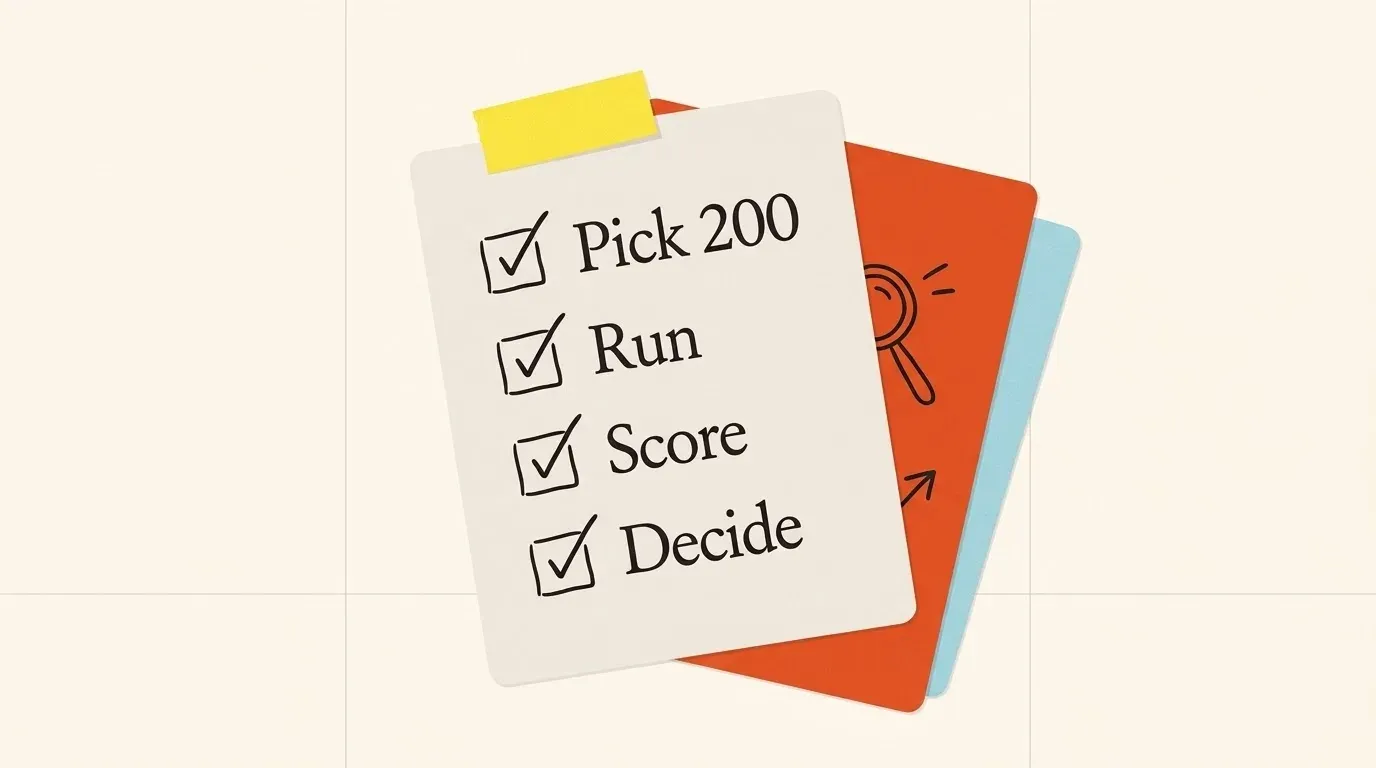
- Pick 200 accounts you know well. Mix sizes, countries and industries. Include 20 hard cases: subsidiaries, recent acquisitions, renamed companies.
- Write the right answer for 5 fields on each account before you run anything. Industry, headcount range, country, website and one field your job needs.
- Run the same 200 through each vendor. Log the raw answer, the status code and the cost of each call.
- Score each field. Count right, wrong and empty. Keep them apart: an empty field is cheaper than a wrong one, because no rule acts on it.
- Count what you paid for. Note how many calls cost credits but returned no match or an error.
- Decide on the fields your rules read. A vendor that is right on industry and headcount beats one with 40 more fields you never use.
Write the result as a small table per vendor: fill rate and right answers per field, cost per useful record. That table is what you show finance.
What Innerfetch API returns for this job
Innerfetch API is one option. It covers firmographic profiles and relationship data from a company domain. It does not return phone numbers, funding rounds or revenue. For those, or for a full legal check, use a register or a tool from our comparison pages.
For one domain, the API returns:
- A company profile: name, description, industry, business model, headquarters, founded year, headcount range, tech stack, e-mail pattern, open roles and executives (Company enrichment API).
- Customers and partners, each with the public page that names them (Customers API).
- Competitors, each with the reason it is on the list (Competitors API).
- Vendors that list the company as their customer (Vendors API).
To use it in the test above:
- Get a free API key.
- Send each test domain to the company details endpoint.
- Read the
X-Credits-Costheader on each answer. - Expect status
202for a company that is new to us. This answer costs no credits. - Send the same domain again later, or give a callback URL.
- Add
fresh=trueto refresh one company now. - Send up to 50 domains in one batch call for the full test set.
A call that fails on our side costs no credits. Read the credit cost of each endpoint on the pricing page. To give the data to an AI agent, connect the MCP server from the agents page.
Questions people ask
Is there a free company data API?
Yes, for some kinds. Many government registers have free APIs with rate limits, such as the UK one above. Free firmographic APIs are rare and can end, as Clearbit’s free tools did in 2025. Most paid APIs give a trial or free credits, which is enough for the 200-account test.
What is the difference between a company data API and a company enrichment API?
A company data API is the wider term. It covers lookups, search and register checks. A company enrichment API is one use of it: you send what you already have, usually a domain, and get the missing fields back to write into your records.
Can I get company data from a company name only?
You can, but expect more wrong matches. Add the country and the city when you have them. Send every match with a low score to a person for review.
How often should I refresh company data?
Refresh the fields your rules read before you use them for a decision, and the rest on a schedule. Headcount and open roles change faster than industry or founded year.
A checklist before you sign
- Write down the job and the five or six fields it needs.
- Decide which kind you need: register, profile or relationships.
- Check which inputs the API accepts, and send domains where you have them.
- Read what a no-match and an error cost.
- Read the rate limit and the
429behaviour. - Ask whether each record shows its last update date, and how to refresh one company.
- Run 200 known accounts through each vendor and score right, wrong and empty per field.
- Count the cost per useful record, not per call.
Run the test once and keep the 200 accounts. The next time a vendor promises better data, you can check the promise in an afternoon.
Try it on a company you know
Start with 200 free credits. Sign up with a work e-mail.