Find Competitors of a Company: 5 Free Methods and a Check
How to find competitors of a company for free: annual reports, buyer searches, review categories and sales calls, and how to check each name.

The fastest way to find competitors of a company is to start where the company or its buyers name them: the company’s own filings and comparison pages, the searches buyers run, and the categories on review sites. Tools that list “similar companies” help you widen the list, but each one means something different by “similar”, so check every name before you act on it.
This guide covers five free methods, what each one is good at, and a short check that keeps lookalikes off your list.
Three kinds of competitor to look for
A competitor list is only useful if you know what kind of competitor each name is.
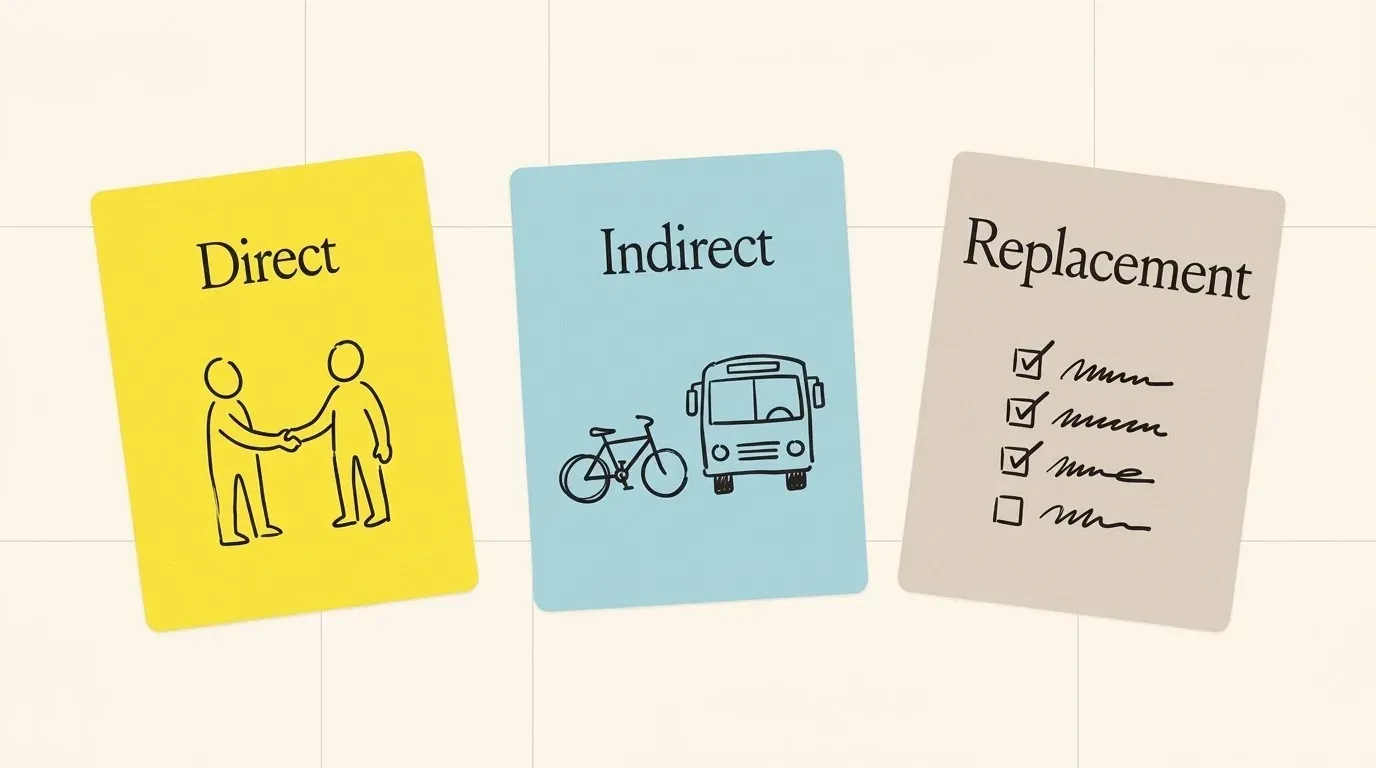
Most guides use the same three groups:
| Kind | What it means | Example question it answers |
|---|---|---|
| Direct | Sells the same kind of product to the same buyer | Who do we lose deals to? |
| Indirect | Solves the same problem in a different way | What else could the buyer buy instead? |
| Replacement | The buyer does it in-house, by hand, or not at all | Why would the buyer do nothing? |
Keep the three apart. A sales team needs the direct list for battle cards. A founder sizing a market needs all three. A list that mixes them tells you very little.
1. Read what the company says about its own competitors
Public companies in the United States describe their competition in the annual report. The rules for the business section of Form 10-K ask for “competitive conditions”, and smaller companies must describe their “competitive position in the industry and methods of competition” (Regulation S-K, Item 101). Item 1 of the Form 10-K instructions points to those rules.
You can search these sections for free. EDGAR full-text search covers electronic filings since 2001, takes exact phrases in quotes, and filters by form type (EDGAR full-text search FAQ). Two searches to try:
- Open the company’s latest 10-K and search the page for “Competition”. The section is usually short and sits near the end of Item 1.
- Search all filings for a phrase such as
"our primary competitors include", filtered to 10-K. In a search we ran on 2026-10-26, it matched 90 10-K filings from the previous twelve months.
A worked example. Box’s 10-K for the year ended 31 January 2026 is direct about it. In content management it names Microsoft (SharePoint) and OpenText (Documentum). In file sync and share it names Microsoft (OneDrive), Google (Drive) and, “to a lesser extent”, Dropbox (Box 10-K, filed 2026-03-09). That is a direct competitor list, split by market, written by the company itself.
Not every filing names names. Cognex, a machine vision company, lists only kinds of competitor: other machine vision vendors, makers of image processing systems, system integrators, in-house engineering teams and free open-source tools (Cognex 10-K, filed 2026-02-12). That still helps. It tells you the indirect and replacement groups, and you fill in the direct names with the next methods.
Private companies. There is no 10-K, but many software companies publish their own comparison pages (“Us vs. Them”) and “alternatives to” pages. A company that writes a page about a competitor is telling you who it meets in deals.
2. Search the way buyers search
Buyers who are about to choose a product search for alternatives and comparisons. Run the same searches:
<company> alternatives<company> vs<company> competitorssite:g2.com <company> alternatives
The site: operator limits results to one domain (Google Search Central), which is a quick way to read only review-site pages. Older guides also suggest the related: operator. Google removed it in 2023 (Search Engine Land, 2023-07-19), so skip that step.
Search results mix two kinds of competitor. The pages that rank for “alternatives” are often competitors’ own pages, which is good evidence. The pages that rank for the company’s general topic are often blogs and media sites, which compete for attention, not for customers. Note which kind each name came from.
3. Use the categories on review sites
Review sites group products by the problem they solve. G2 says a category holds products that “solve a particular business problem and provide similar features”, and that it places a product by what it does natively, not by what it does through integrations (G2 categorization methodology).
Three ways to use this:
- Find the company’s product page and note its categories.
- Open each category and read the products listed next to it. These are the direct candidates.
- Read the “alternatives” tab on the company’s page. Reviewers often name the product they left or compared.
The limit: a category is about features, not about the buyer. Two products in “CRM” can sell to very different companies, at very different prices.
4. Ask the people who sit in the deals
Your sales team, customer success team and recent customers know who came up in each deal. A vendor survey of more than 900 competitive intelligence professionals found that, on average, 66% of their companies’ sales opportunities were competitive (Crayon, State of Competitive Intelligence 2023). It is a vendor’s own survey, but the point holds: most deals have a competitor in them, and someone on your team heard its name.
Ask three short questions after each won or lost deal:
- Who else did you look at?
- Who was on the final list?
- What would you have done if you had bought nothing?
The third question finds the replacement competitors that no tool lists.
5. Widen the list with “similar company” tools
Many tools show companies that look like a given company. Each tool decides “similar” in its own way, and that changes the list you get:
| Tool type | What it compares | Good for | Watch out for |
|---|---|---|---|
| Company databases | Industry and growth signals | Market maps, lookalike accounts | Same industry is not the same buyer |
| Review-site categories | Product features | Direct software competitors | Ignores price and company size |
| SEO competitor reports | Search terms both sites rank for | Content and ad planning | Media sites rank for your words too |
| Your own deal notes | Who the buyer named | Direct competitors in real deals | Small sample, only deals you saw |
For example, Crunchbase describes its similar-companies feature as matching companies that “share key attributes like industry and growth signals” (Crunchbase). That is useful for finding lookalike accounts to sell to. It is a weak test for “who do we lose deals to”.
Treat everything from this step as a candidate, not a competitor.
Check each name before you use it
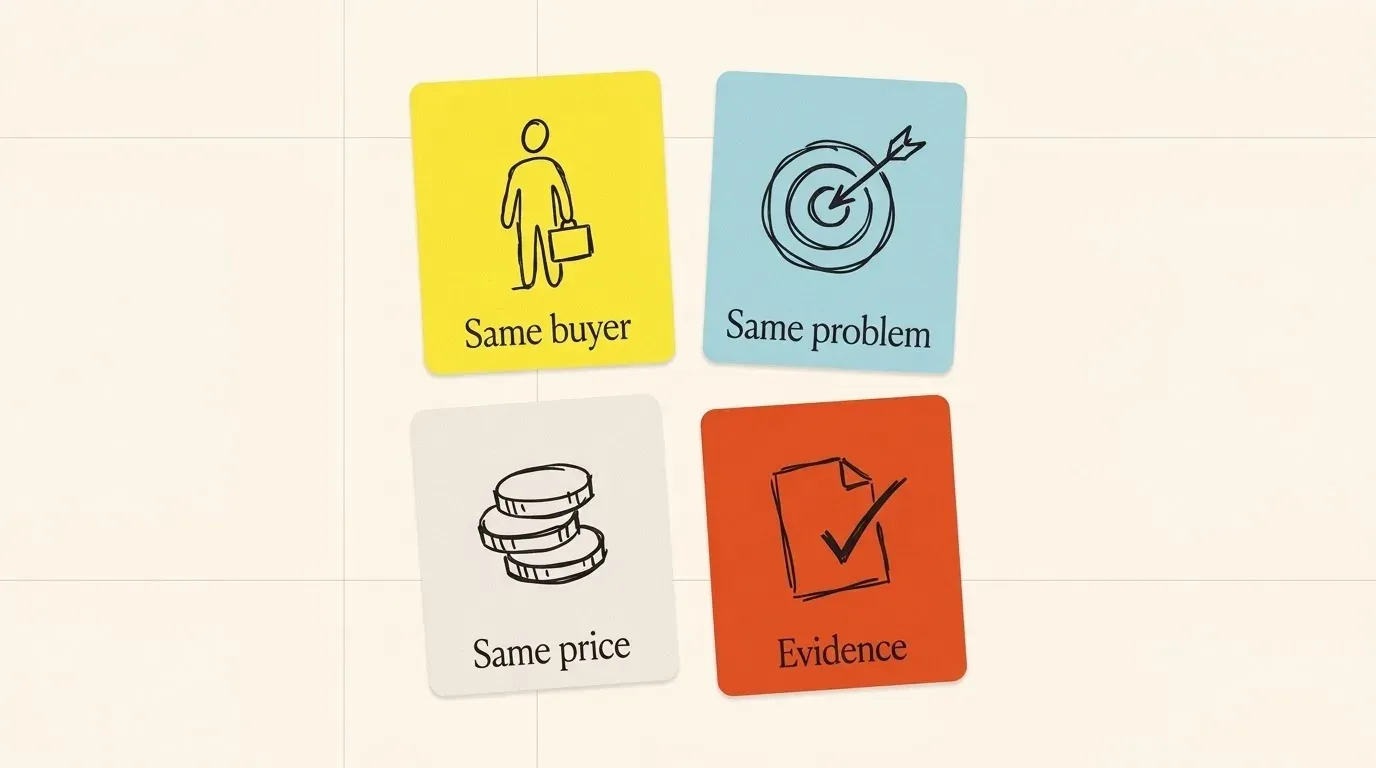
A name earns a place on the direct list when it passes four checks:
- Same buyer. Its customer stories and case studies name the same kind of company and the same job title as yours.
- Same problem. Its home page promises the outcome your product promises, in the buyer’s words.
- Same price band. Its pricing page is within the same order of magnitude, or it says “contact sales” where you do.
- Evidence. You can point to one public page that shows the two compete: a comparison page, an alternatives page, a filing, or a review that names both.
Keep the link to that page next to the name. A list with sources survives the next planning meeting. A list without them gets argued about.
Names that fail the buyer or price check go to the indirect list. Names that pass none of the checks were lookalikes; drop them.
Find competitors for many companies at once
The methods above are good for one company. For 500 target accounts in a CRM, or for an AI agent during a call, they are too slow.
Innerfetch API gives the competitors of a company domain in one request. The answer has two parts:
- Evidenced competitors come first. Each one has a link to the public page that shows that the two companies compete.
- Similar companies in the same market come next. They are not confirmed. Each one has a match score.
To use it:
- Read what the Competitors API returns, with a sample answer.
- Send a request from your code, or connect an AI agent to the MCP server.
- Read the credit cost of each request on the pricing page.
The API does not replace the deal notes from method 4. It gives you the evidenced list in seconds. Your team can then use its time for the checks, not for the search.
Questions people ask
How do I find competitors of a private company?
Start with the company’s own site. Look for comparison pages, “alternatives to” pages and customer stories that mention a switch from another product. Then search <company> vs and read the review-site category it sits in. If a public competitor names it in a 10-K, that is strong evidence too, so search filings for the private company’s name.
How do I find out who a competitor’s customers are?
Read the competitor’s case studies, logo page and press releases, and note the companies they name. Those pages show who the competitor sells to, which also tests the “same buyer” check above. Keep only companies named on a page you can link to.
Is a company that ranks for my keywords a competitor?
Not always. A publisher, a forum or a consultant can rank for the same search terms without selling anything you sell. They compete for attention. Put them on a separate list for content planning, not on the sales list.
How often should I update the list?
Check it each quarter, and after any funding round, acquisition or price change you hear about. Re-run the searches from method 2 first. They are the quickest way to see a new name.
A checklist to start today
- Write down the buyer and the problem in one sentence each.
- Read the “Competition” section of the latest 10-K, if the company is public.
- Search
<company> alternativesand<company> vs, and save the comparison pages. - Note the company’s review-site categories and the products next to it.
- Ask sales for the last ten competitor names they heard.
- Add lookalikes from one “similar company” tool as candidates.
- Run the four checks and keep one source link per direct competitor.
- Split the result into direct, indirect and replacement lists.
Read it again in three months. Competitors change faster than most teams update their slides.
Try it on a company you know
Start with 200 free credits. Sign up with a work e-mail.